
Stake on mobile
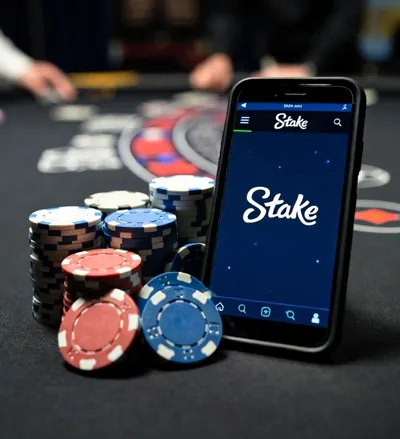
If you play from the couch on your phone, this guide helps: how to access from mobile and what settings to change to avoid trouble.


What option to use
You generally have two paths: mobile web version (in the browser) or app if available for your device.
Quick tips
- Use screen lock and biometrics.
- Don\'t save passwords in shared browsers.
- If you lose the phone, change password and revoke sessions.
Recommendation: keep it simple
If you don\'t want to fuss, use the mobile web version and that\'s it. It\'s fast, doesn\'t take space and you avoid installing things you won\'t use. If the app is available and works for you, great, but it\'s not "required" to play.
Mobile security checklist
- 2FA: enable it and save backup/codes if they exist.
- Biometrics: fingerprint/face to unlock the phone.
- Sessions: don\'t leave the account open if you lend the phone.
- Connection: avoid public Wi‑Fi for deposits/withdrawals.
- Screenshots: if there\'s an error, screenshot it. Helps with support.
If you haven\'t registered yet, start with Registration. If you\'re going to deposit, check Deposits.
FAQ
Can I withdraw from my phone?
Yes. For withdrawals, still watch data, network (if crypto) and verifications. Step by step in Withdrawals.
What if I close the browser?
Nothing bad: you can log back in. What matters is not sharing the phone without lock if you left a session open.
Should I save the password?
If the device is only yours and protected, it can help. If you share it, better not. And always with 2FA enabled.